Fagolli User Support
Welcome to the Fagolli support centre. Here you’ll find everything you need to set up, operate, and maintain your autogate system.


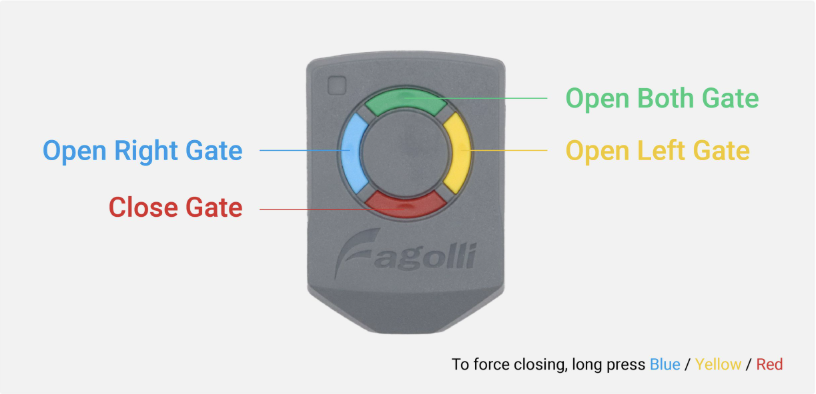
Basic Feature
Learn the basic controls and functions of your Fagolli remote control.
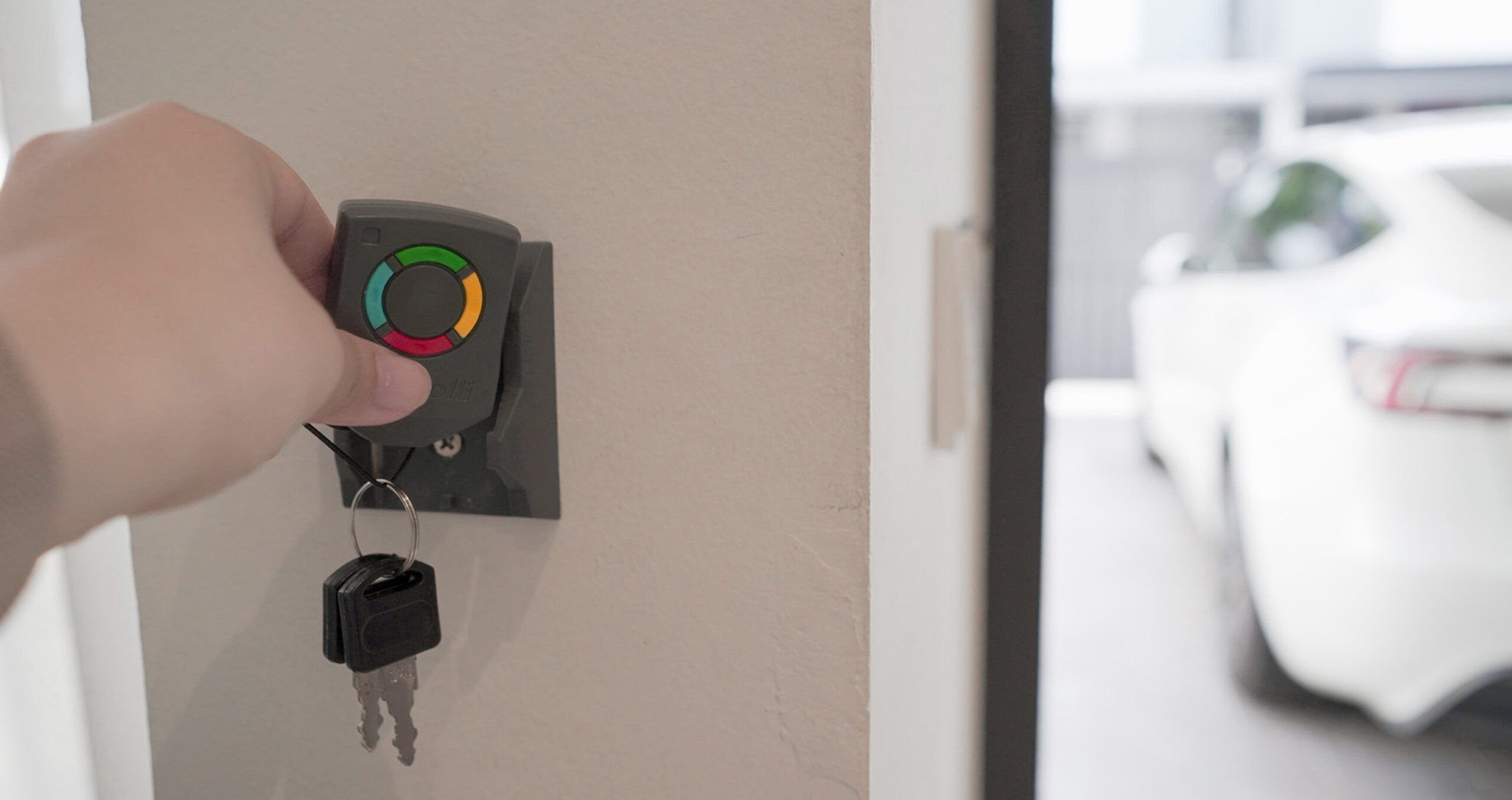
Panic Alarm
Learn how to activate the panic alarm for added security.

Automatic Close Timer
Learn how to set the automatic gate closing timer.

Motion Alert Sound & Intruder Alarm
Learn how to set up motion alerts and the intruder alarm.
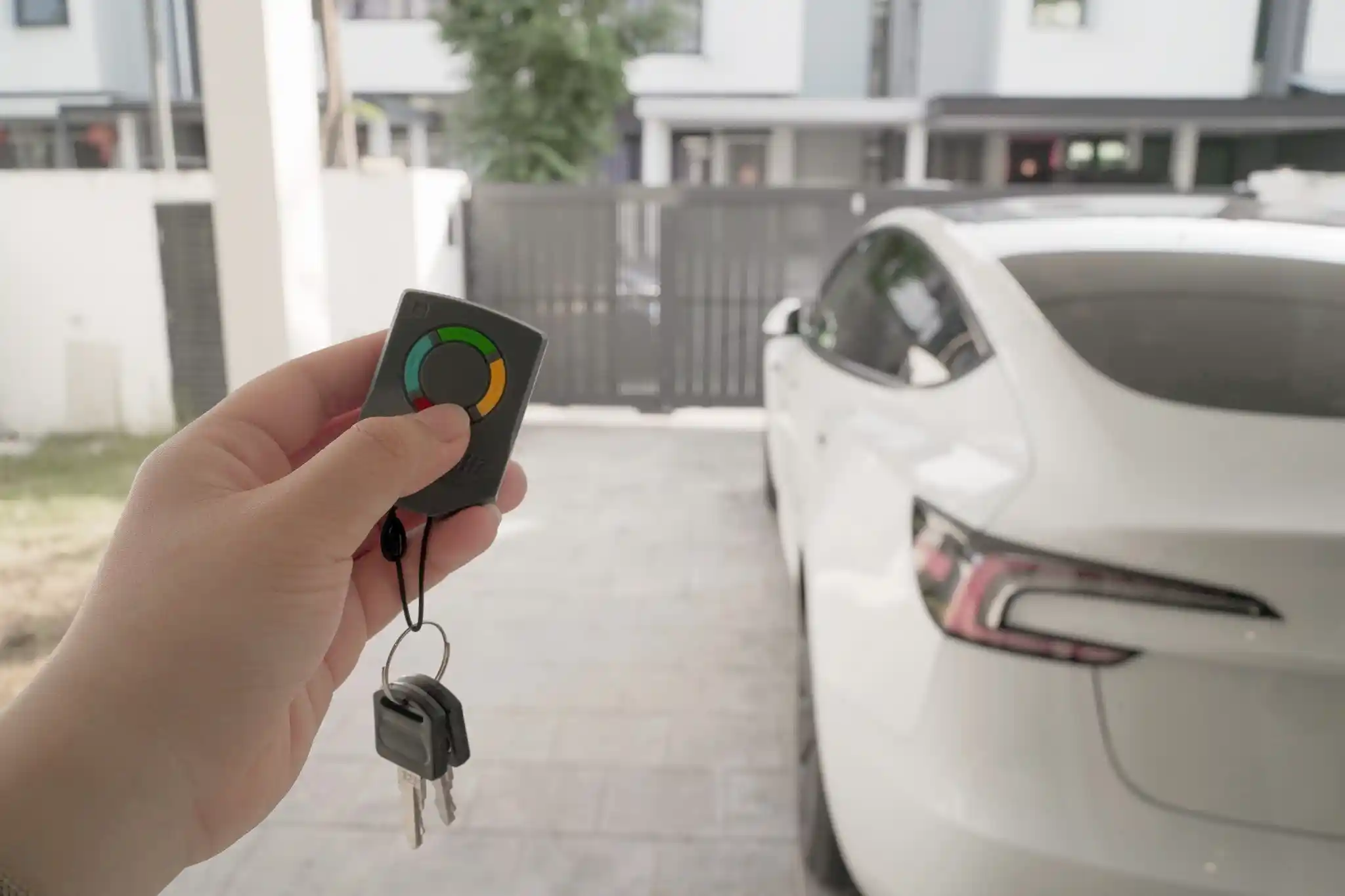
Remote Duplication Lock
Learn how to enable the remote duplication lock.
Manual Override System with Key
Learn how to manually operate the gate using the override key.
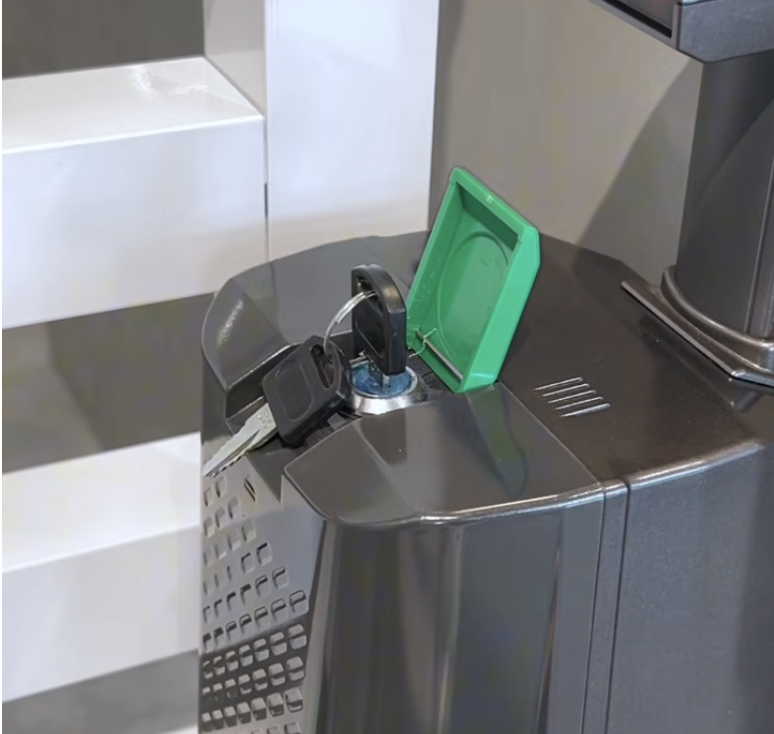
Manual Override IR Sensor
Learn how to manually override the IR sensor system.
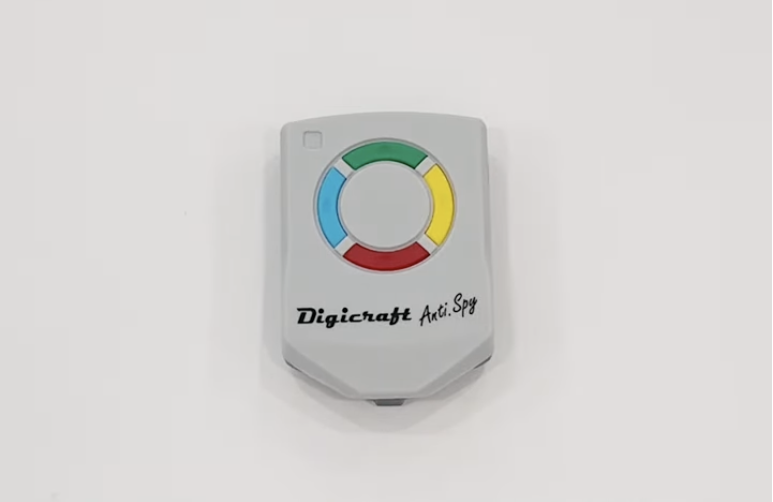
Cloning a New Remote Control
Learn how to clone and set up a new remote control.
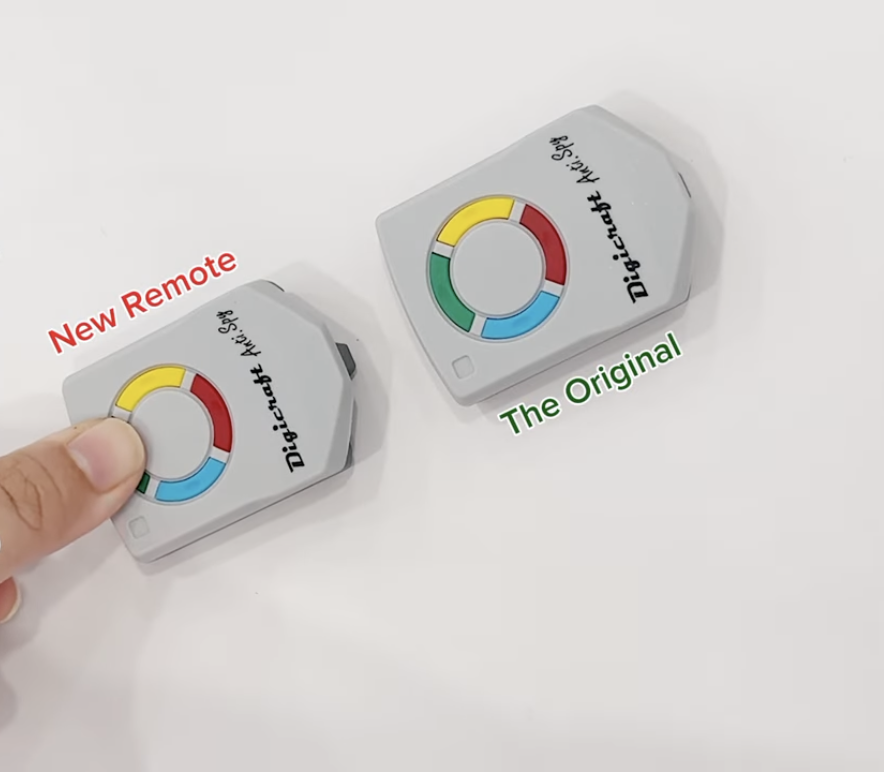
Resetting Remote Control Code
Learn how to reset your remote control code.
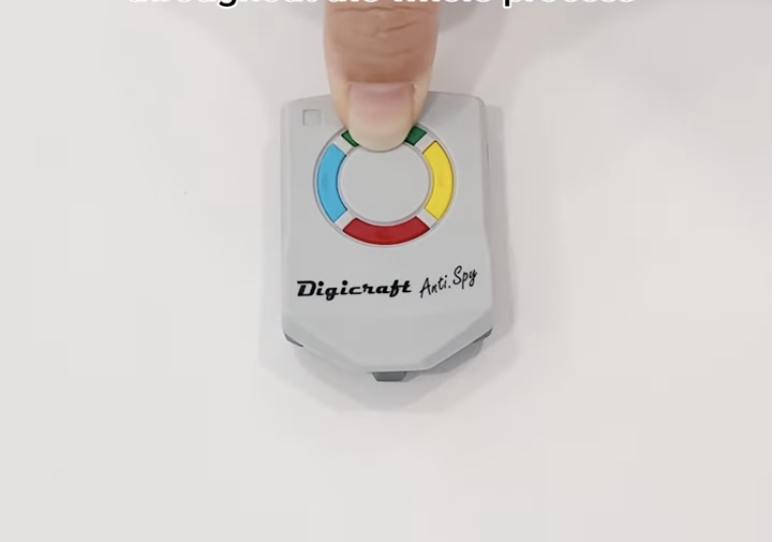
Pairing Remote Control to System
Learn how to pair a remote control with your Fagolli system.
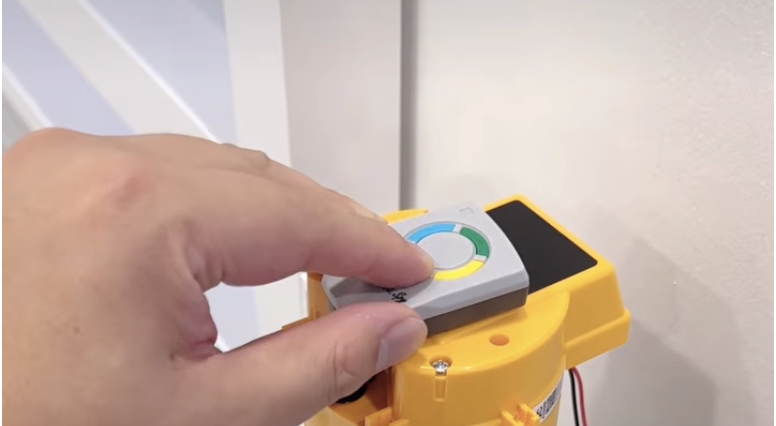
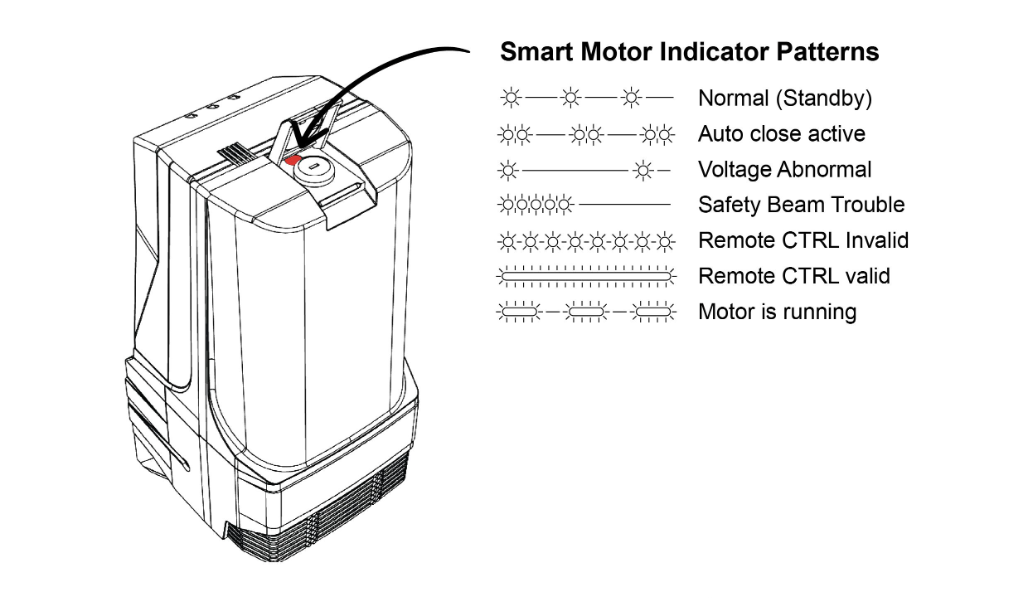
LED Troubleshooting Guide
Identify LED indicators and troubleshoot common system issues.
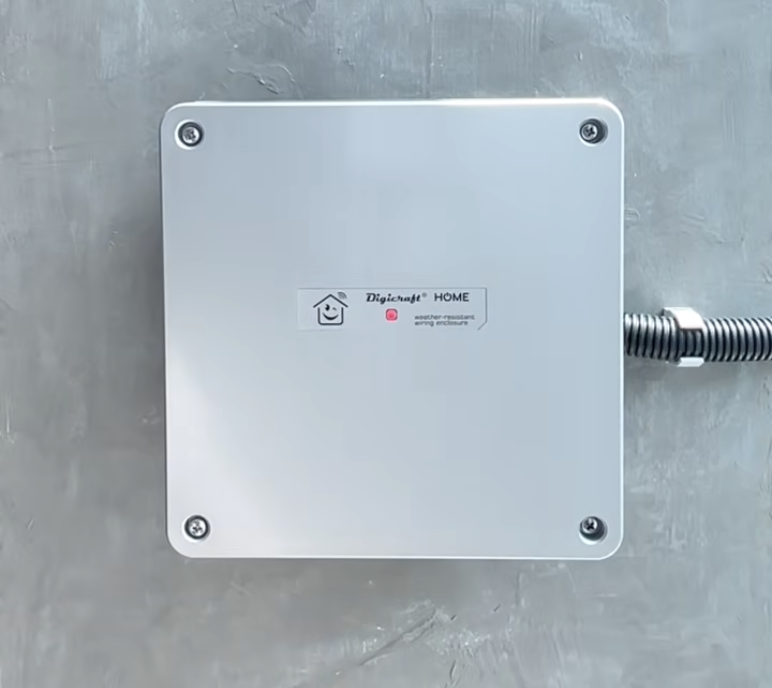
Replace Backup Battery
Learn how to safely replace the system backup battery.
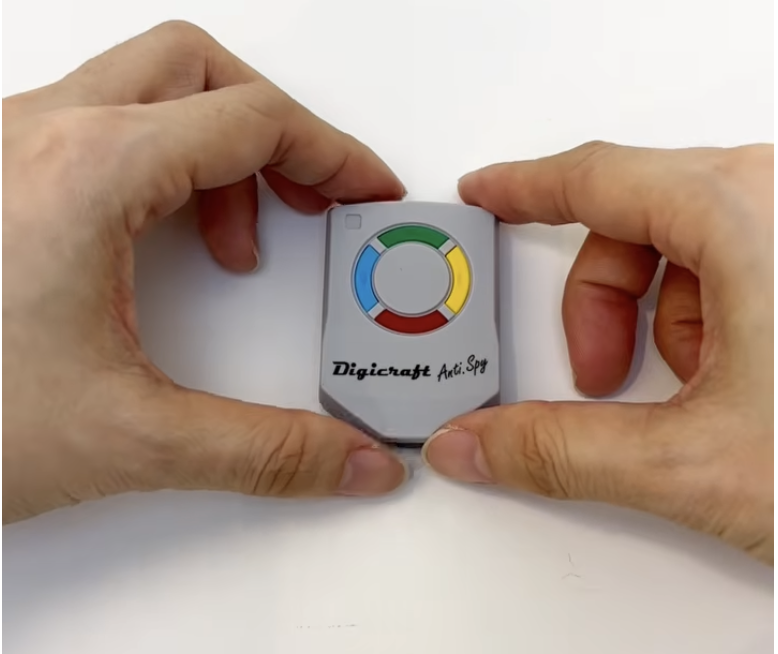
Replace Remote & Keypad Battery
Learn how to replace the batteries in your remote control and keypad.
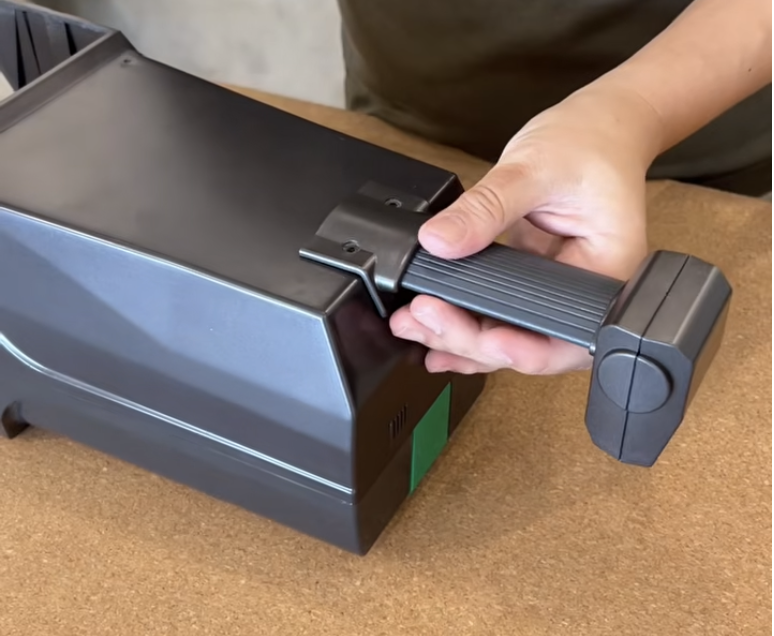
Installing IR Sensor
Learn how to install the IR sensor for your Fagolli system.
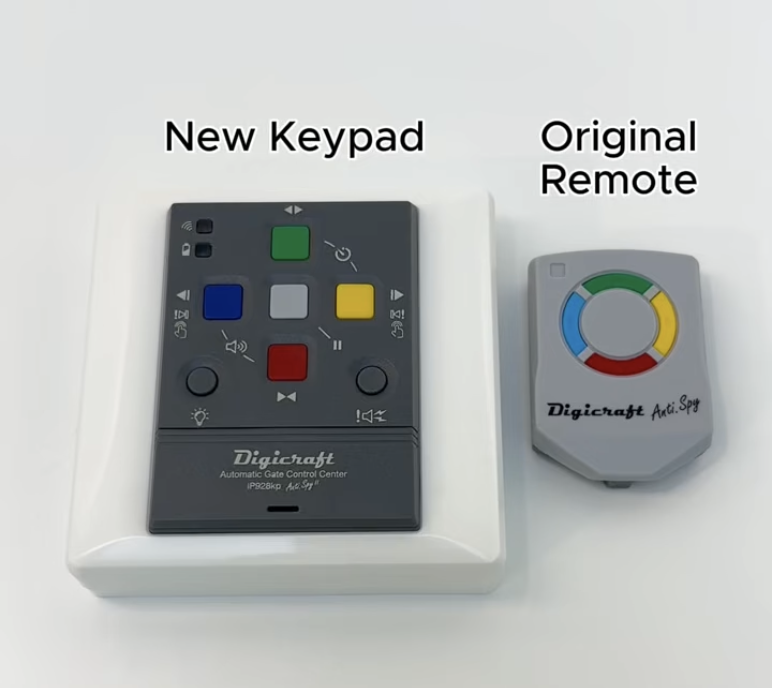
Pairing Keypad
Learn how to pair a keypad with your Fagolli system.
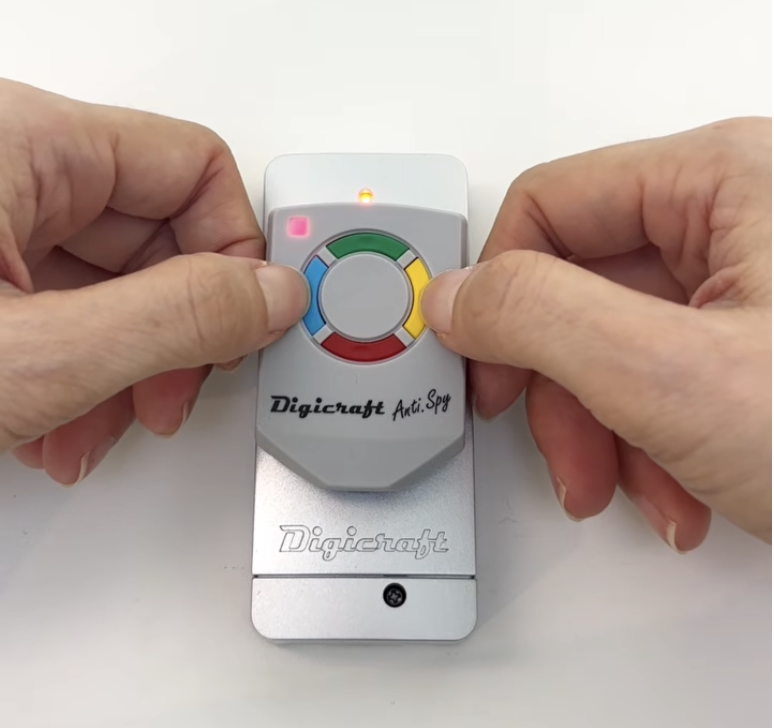
Pairing Close Switch
Learn how to pair the close switch with your Fagolli system.
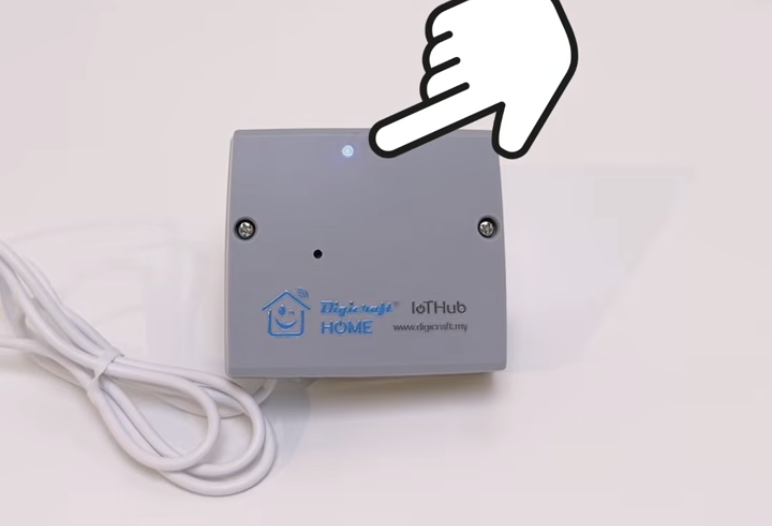
Pairing DigicraftHOME IoTHub Mobile App Control
Learn how to pair DigicraftHOME IoTHub for mobile app control.
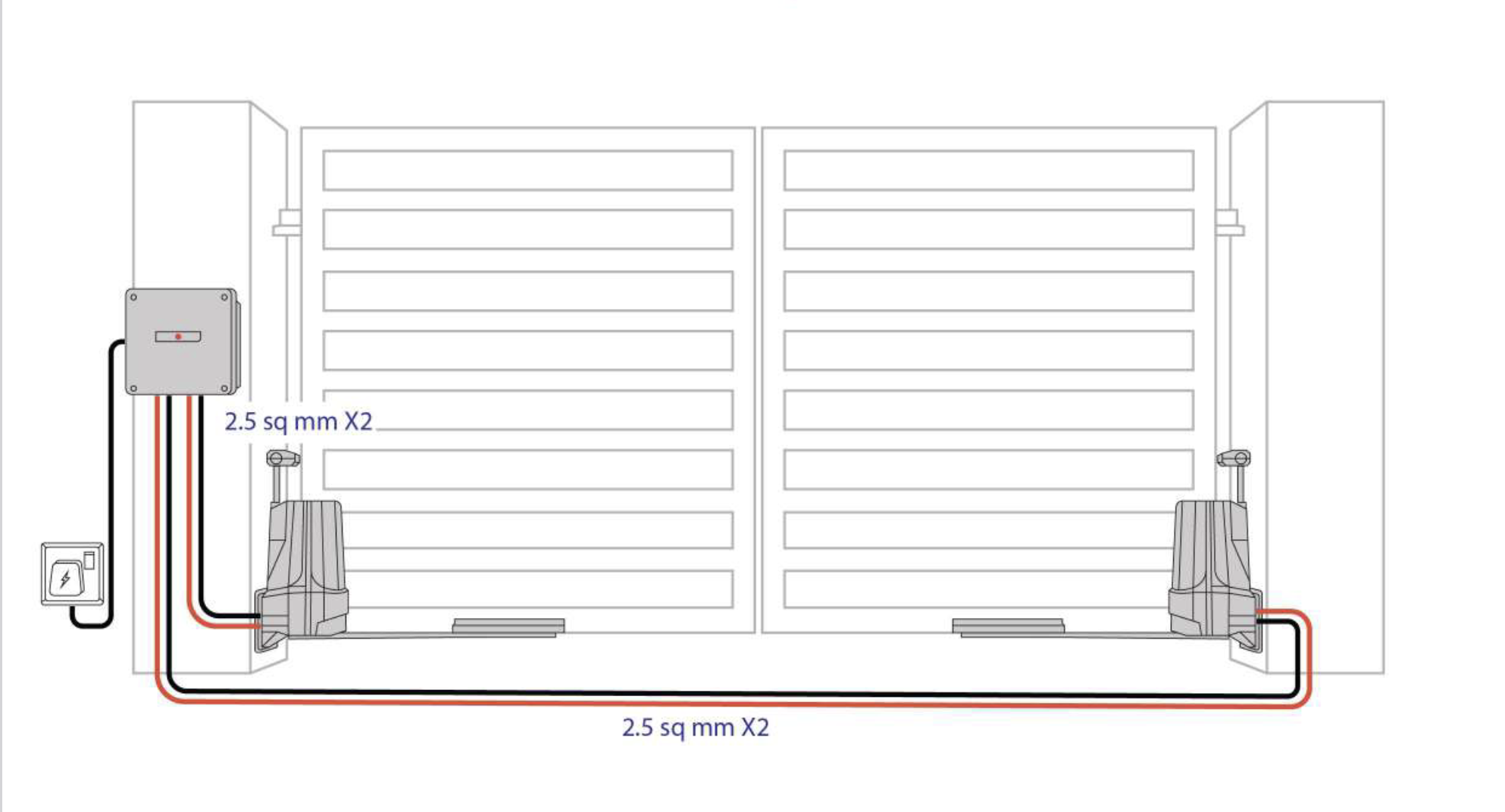
Motor System Wiring Diagram
View the motor system wiring diagram for installation reference.
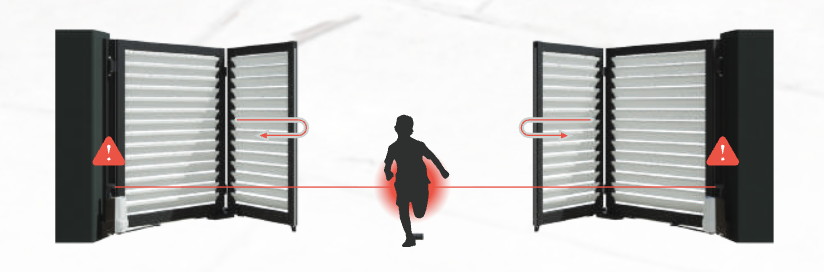
Gate Brochure
Explore Fagolli gate designs, features and product information.
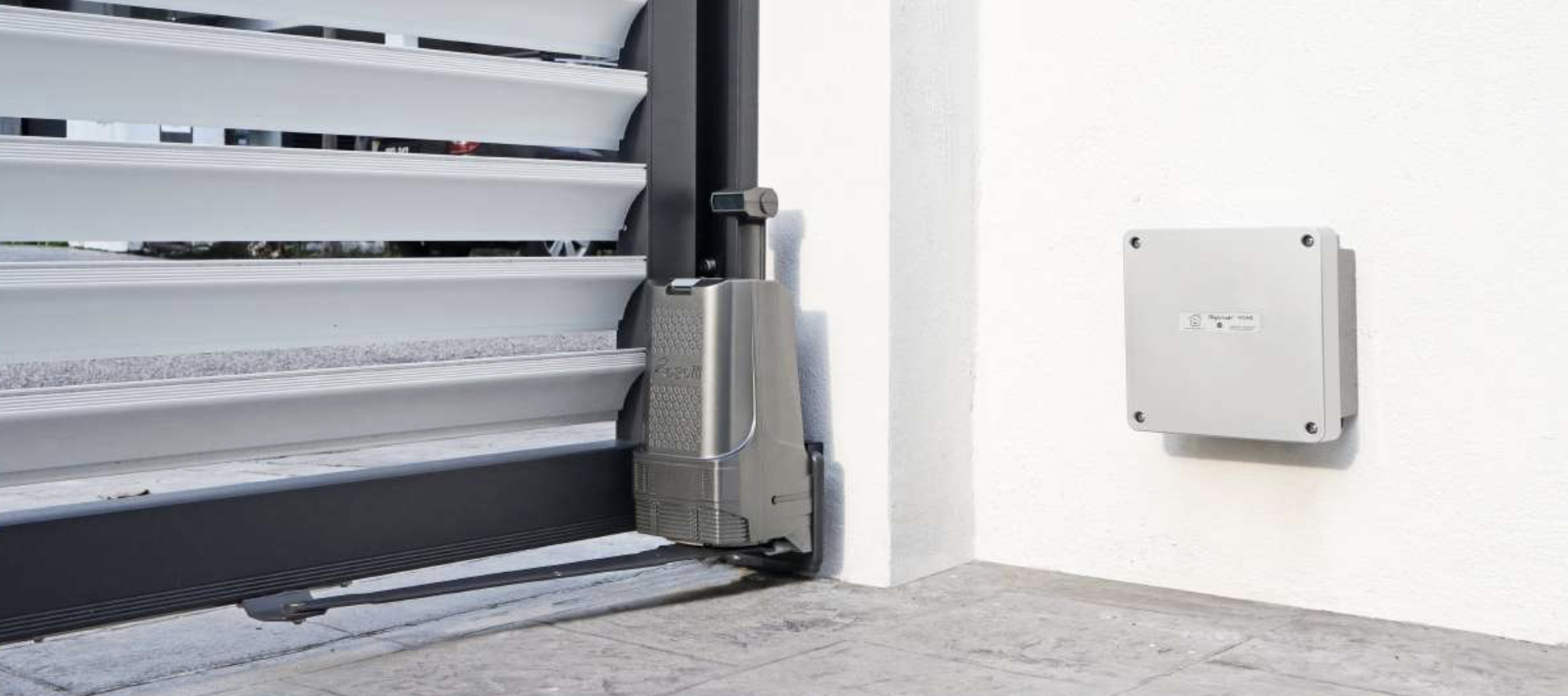
Motor Brochure
Explore Fagolli motor systems, features and product information.
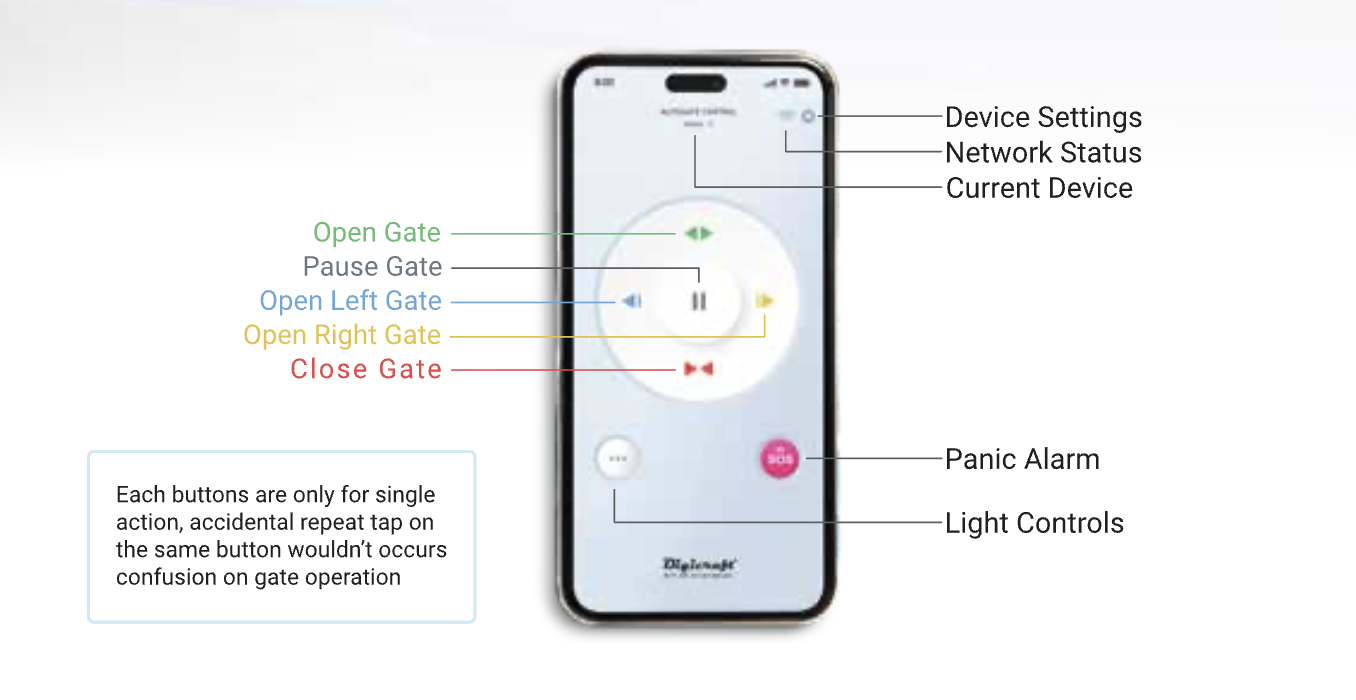
DigicraftHOME IoTHub Brochure
Explore DigicraftHOME IoTHub features and product information.
